
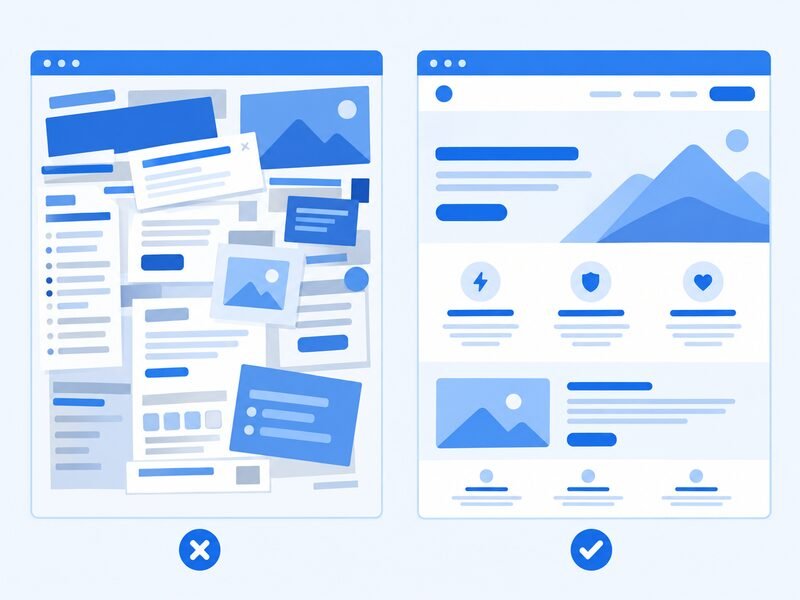
Your website helps people judge your business. Even a good service can be harder to trust when the page is confusing or difficult to use. Check for these six common problems.
1. Slow loading
Optimise images and avoid unnecessary page weight. Google's good LCP target is 2.5 seconds or less, assessed at the 75th percentile of visits.
2. Hidden contact buttons
A visitor should not have to search for a way to reach you. Keep call and WhatsApp options visible and easy to use on every page.
3. Poor mobile layouts
Small text and cramped buttons make a website uncomfortable to use. Test real pages on a phone, including menus and forms.
4. Visual clutter
Too many colours, typefaces and overlapping elements compete for attention. Space between elements helps important content stand out.
5. Low-quality or overused pictures
Blurry pictures and unrelated stock images can weaken the impression of your work. Use clear photographs you have permission to publish, chosen for the service they explain.
6. No evidence to support trust
First-time visitors need context: real work examples, clear contact information and a visible business name. Do not invent testimonials or performance figures.
Takeaway
Check your website on a phone as a new visitor. Does it load well? Can you contact the business easily? Is the page comfortable to read? Fixing these basics is a useful place to start.
https://web.dev/articles/vitals